
Custom business applications
Custom business applications.
One intelligent workspace.
Custom business applications give employees, customers and managers a workspace built around the records, responsibilities and decisions that drive your operations.
Find your AI opportunity ↗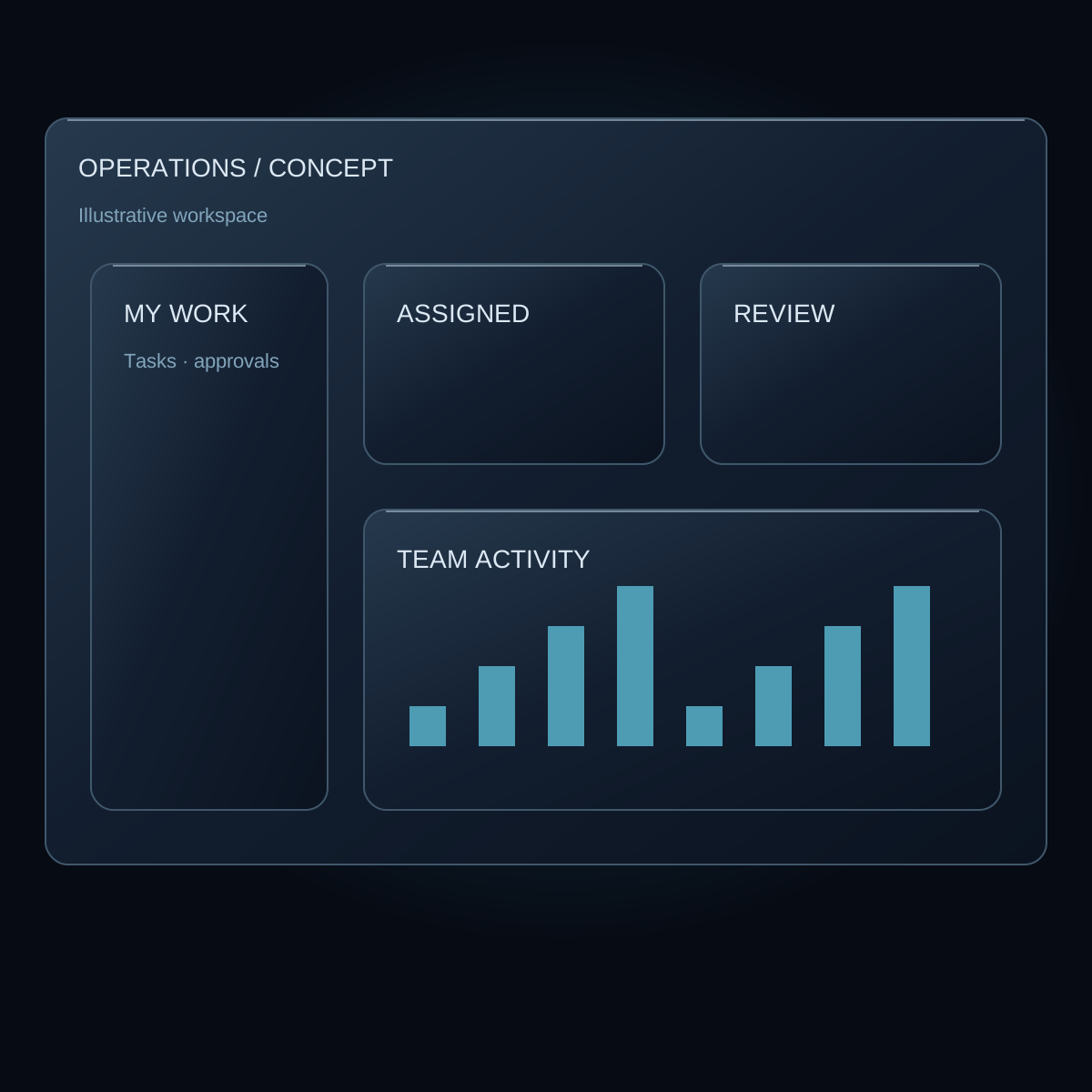
01 / THE BUSINESS NEED
Built around how your business works.
A generic portal can expose records, but a useful workspace reflects who is doing the work. Employees need an actionable queue, managers need exceptions and approvals, and customers need a clear view of their own requests. We design the application around those distinct needs.
Business portals can bring maintenance workflows, scheduling, vendors, customer records and reporting into one coherent experience. AI can support search and interpretation within that workspace, while established rules handle permissions and approved changes. The interface should make the next step obvious without overwhelming people with every available data point.
02 / A PRACTICAL EXAMPLE
See the workflow.
Understand the possibility.
Imagine a fictional regional operations portal. An employee sees assigned work and supporting documents. A manager reviews overdue requests and pending approvals. A vendor sees only the jobs shared with that organization. A customer can check the progress of their own request.
An AI-assisted search could help an authorized user find the relevant policy or summarize a record�s history. It should identify its sources and respect the same access rules as the underlying portal. The illustrated interface on this page is a concept, not a screenshot of a customer installation.
Illustrative scenario. No live customer data or automated action.
- 01Role + permissions
- 02Connected business records
- 03Personal workspace
- 04Review + approval
- 05Operational reporting
03 / CONNECTED TO YOUR BUSINESS
The systems behind
the experience.
The integration plan depends on your existing tools, data access and business rules. These are common connection categories to explore:
- Customer and operational databases
- Accounting, scheduling and vendor systems
- Identity and role-management services
- Knowledge libraries and reporting sources
We verify available APIs, permissions and ownership before committing to an integration. We have not inspected your systems through this website.
04 / ENGINEERED FOR REAL USE
From a useful idea
to dependable software.
Begin with roles and common tasks, not a list of dashboard widgets. Map the records each role may view or change, then design a small number of high-value workflows. Test the interface with the people who will use it, including mobile users and staff handling exceptions.
Portals often become long-lived business systems. We plan search, navigation, data validation, audit history and support alongside the initial screens. Reporting definitions should be explicit so two dashboards do not quietly disagree about the same operational measure.
Security and privacy in the design
Authorization belongs on the server and at the record level. A hidden navigation item is not an access control. Customer and vendor boundaries need explicit tests, including attachments, exports, search results and AI-generated summaries.
QUESTIONS WORTH ASKING
Can different roles see different workspaces?
Yes. The application can show task-focused experiences while enforcing server-side permissions for each role and record.
Can customers and employees use the same platform?
They can share a data model where appropriate, with separate access boundaries and interfaces. That boundary needs testing across all ways information can be retrieved.
Can you modernize an existing intranet?
Yes. We can assess the current database, workflows and interfaces, then plan a phased upgrade that preserves useful business logic.
A CLEAR NEXT STEP
Your process.
A practical starting point.
Use the AI Opportunity Studio to frame your business challenge, explore possible workflows and prepare a useful brief. Your assessment is available before you share contact details.
Explore your AI opportunity ↗Connected capabilities.
Practical reading.
Clear review boundaries matter wherever generated information meets a real business workflow.